Author: Prateek Jain
-
Securing the vSphere Supervisor API Endpoint with a Custom Certificate
In VMware Cloud Foundation, replacing the default Supervisor Cluster certificate with a custom one is crucial for security compliance. This step ensures integration with enterprise workflows and eliminates trust warnings. The process involves generating a certificate signing request, acquiring a signed TLS certificate, and updating the Supervisor to enhance security and compliance.
-
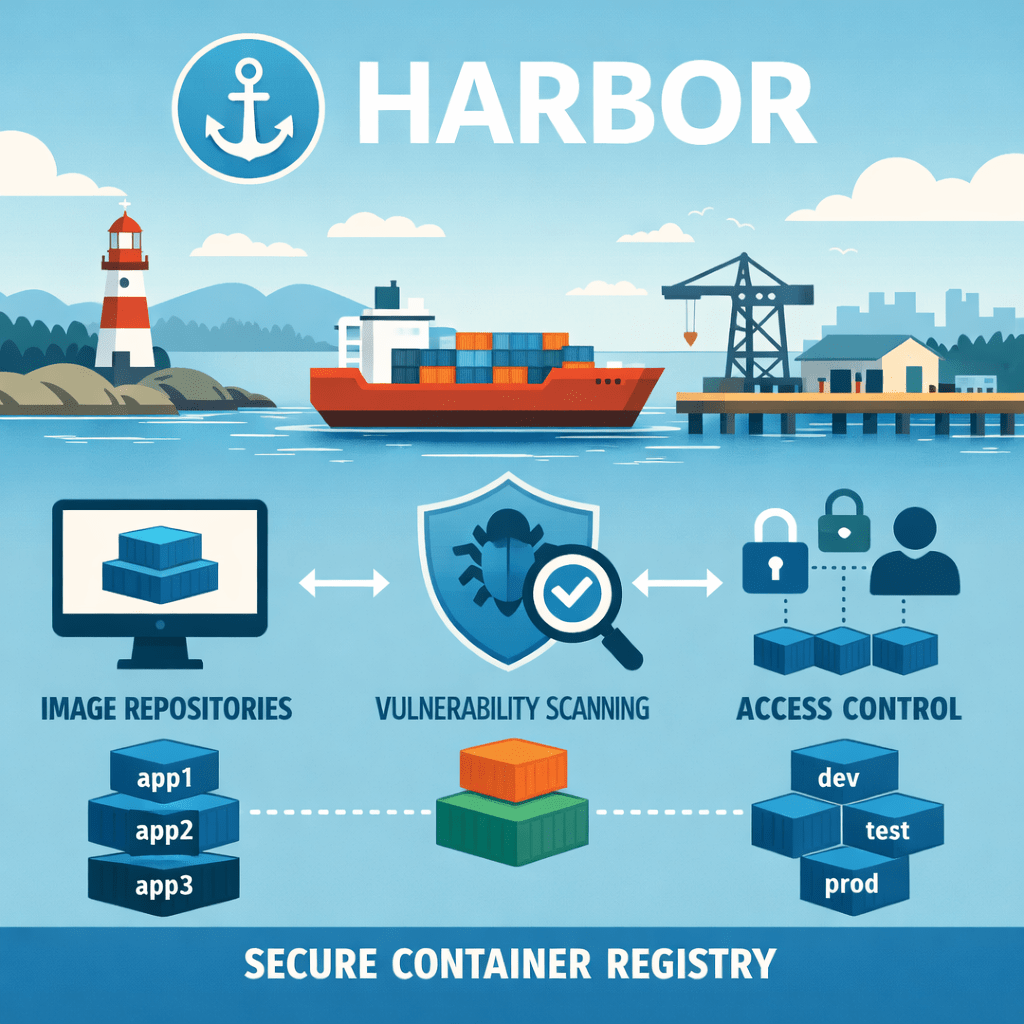
Deploying Harbor on VKS Clusters in Air-Gapped Environments
In modern enterprise settings, Kubernetes platforms are frequently utilized in air-gapped infrastructures for enhanced security. Harbor, an enterprise-grade container registry, is pivotal in managing container images and applications in such environments. This blog outlines the process for deploying Harbor on a vSphere Kubernetes Service cluster, emphasizing security and operational efficiency.
-

Building Red Hat Images for vSphere Kubernetes Service
Broadcom has added support for Red Hat Enterprise Linux 9 in the vSphere Kubernetes Service (VKS) 3.6 release, introducing the Image Baker Tool for creating custom Kubernetes node images. Image Baker allows declarative specifications and reproducible builds, improving node image management. A subsequent blog will cover VKS cluster creation using these images.
-
Deploying Microservice Demo App on vSphere Kubernetes Service
This blog discusses deploying the Microservices Demo Application, Online Boutique, on VMware’s vSphere Kubernetes Service (VKS). It explains the advantages of using microservices architecture, scaling, and resiliency. It covers environment setup, including cluster creation, application deployment, and configuring Contour Ingress for successful operation.
-

Deploying ClickHouse on vSphere Kubernetes Service
This post outlines the deployment of ClickHouse, an open-source, column-oriented database optimized for real-time analytics, on a vSphere Kubernetes Service (VKS) cluster. The integration allows for simplified operations, high performance, scalability, and enhanced security. The article details the steps for creating the VKS cluster, installing the ClickHouse Operator via Helm, and deploying a ClickHouse database…
-
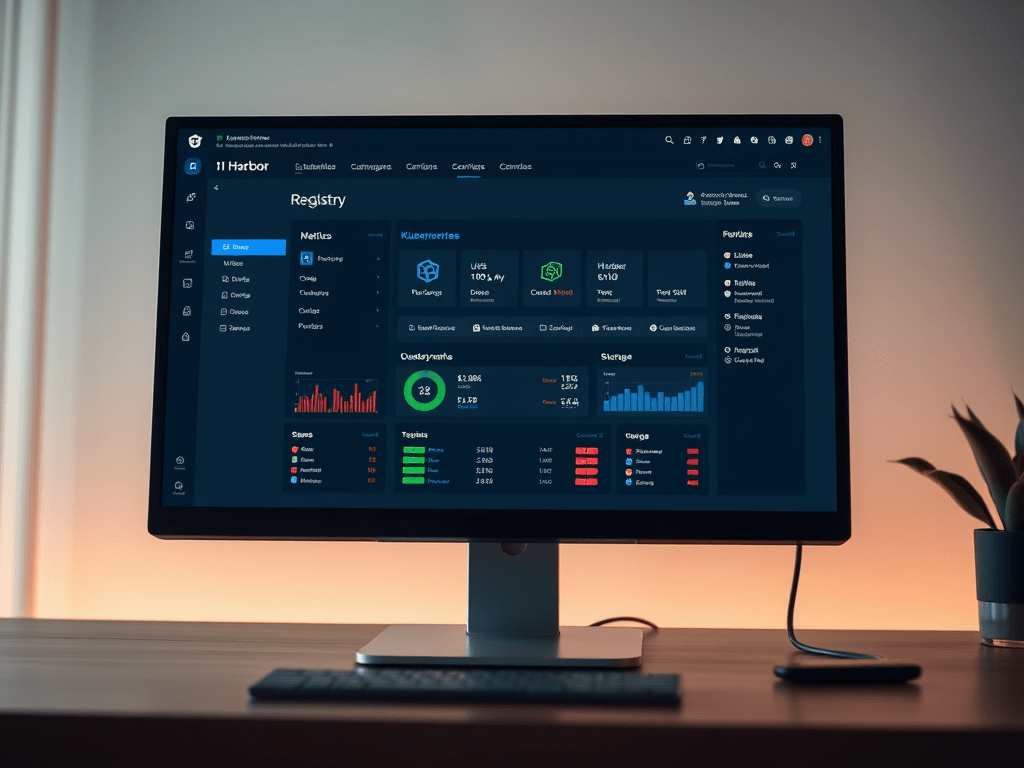
Expanding Storage for Harbor Registry on vSphere Kubernetes Service
The Harbor Supervisor Service in vSphere Kubernetes environments serves as a secure container image registry. As storage fills, performance issues may arise, but expanding it via vSphere CNS and PVCs is straightforward. This guide details steps to increase Harbor’s registry storage capacity seamlessly, ensuring high availability and scalability without downtime.
-
Deploy Windows Node Pools in vSphere Kubernetes Service
The blog discusses the deployment of Windows Node Pools within vSphere Kubernetes Service (VKS) Clusters, emphasizing steps for creating a VKS Cluster, setting up prerequisites, and deploying a .Net sample application.
-
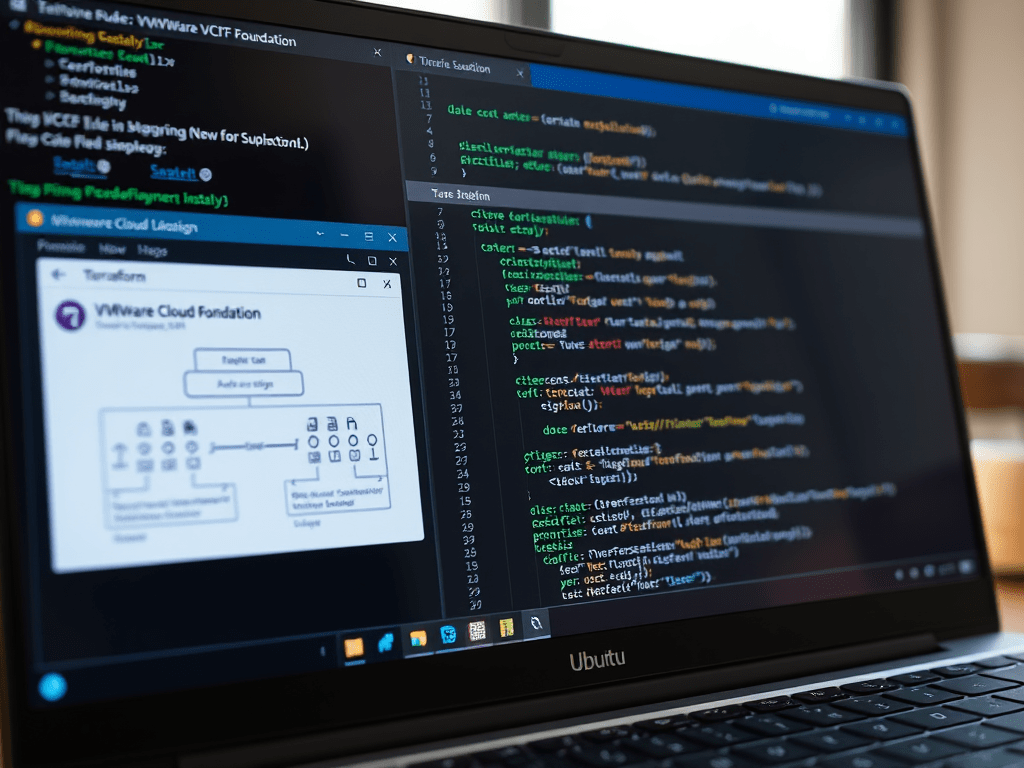
Deploying VMware Cloud Foundation Instance with Terraform
This blog post provides a detailed guide for deploying VCF Instance using Terraform. It covers prerequisites, installation steps for Terraform and VCF, and necessary configurations in Terraform files.
-

Deploy vSphere Supervisor on vSAN Stretched Cluster
The blog outlines deploying the vSphere Supervisor on a vSAN Stretched Cluster, essential for maintaining high availability and disaster recovery of Kubernetes workloads. It details prerequisites, spanning dual active sites and necessary network configurations, and provides a comprehensive guide for deploying the Supervisor, ensuring resilient workload management across data centers.
-

Building Custom Windows Images for vSphere Kubernetes Service
vSphere Kubernetes Service version 3.2 introduces Windows container support on Windows Server 2022. The deployment involves creating a custom Windows image using the vSphere Tanzu Kubernetes Grid Image Builder on an Ubuntu VM. Steps include preparing the environment, configuring Docker, running the Image Builder, and generating the Windows OVA for VKS clusters.
-

Building NSX Infrastructure the Smart Way: Automating with Terraform
The article outlines how to automate the deployment and configuration of VMware NSX using Terraform, focusing on components like NSX Manager, Fabric, and Edge Transport Nodes. It details installation prerequisites, Terraform setup, and code snippets for configuration files, aiming to enhance network infrastructure management through Infrastructure as Code practices.
-
Installing vSphere Supervisor with Terraform
This blog post provides a detailed guide for installing VMware vSphere Supervisor using Terraform. It covers prerequisites, installation steps for Terraform and vSphere Supervisor, and necessary configurations in Terraform files. The process aims to simplify infrastructure management in virtualized environments, enhancing deployment efficiency through automation.

